
Built in Australia
 scree gateway
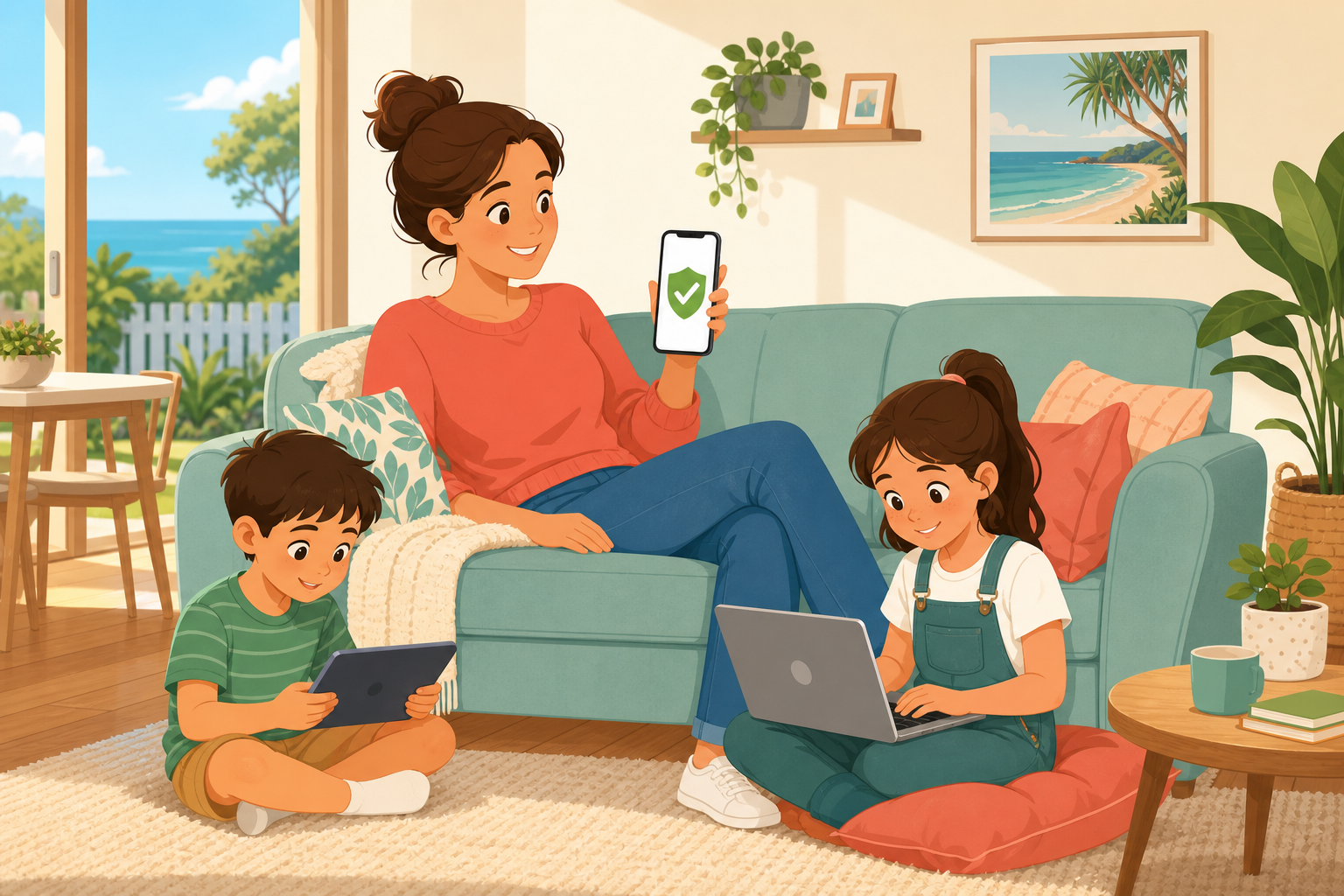
One set of rules for home Wi‑Fi and their phones.
Same limits at home and on mobile data — without juggling five apps.
Sound familiar?
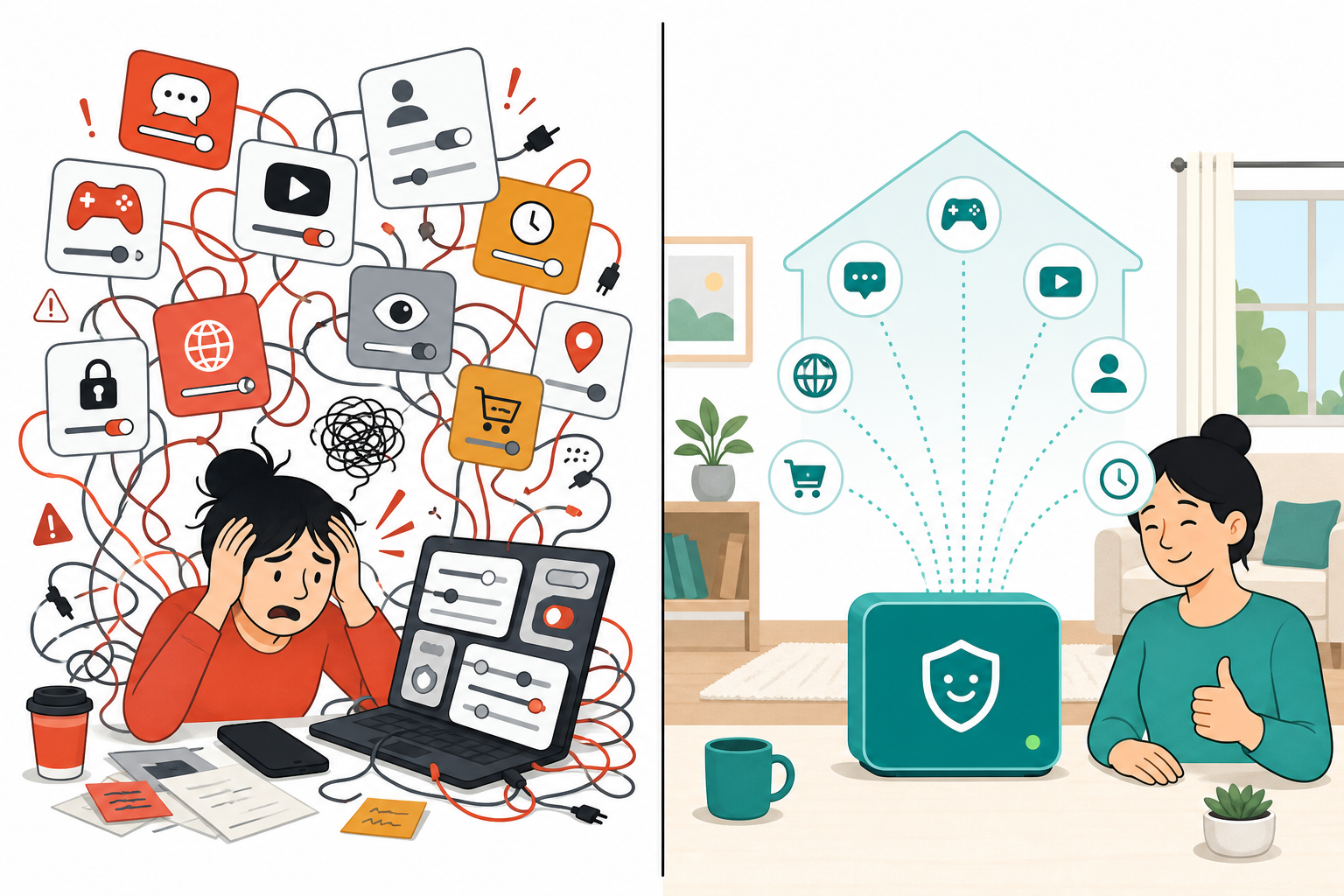
Screen Time here. Laptop filters there. Nothing when they’re on data.
Kids hop devices. Limits reset. Sunday night becomes settings night — instead of actually relaxing.
How it works
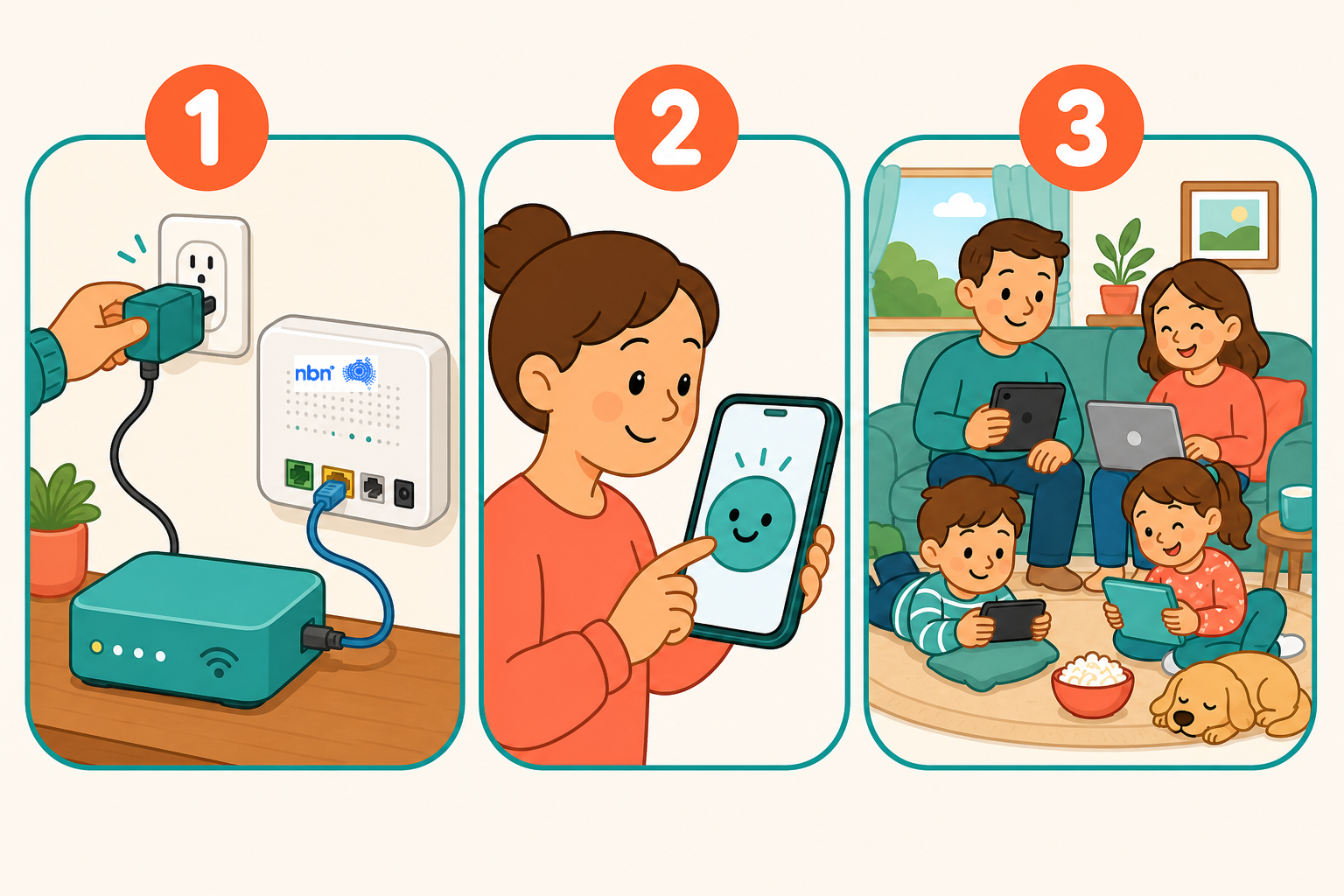
Three steps. Then get on with your day.
- 1 Plug it in Connect Scree to your NBN box (or modem). No networking course.
- 2 Set your rules Bedtime, daily time, what stays blocked. A few minutes.
- 3 You’re done Kids use the internet. You stay in charge — without hovering.
What you get
Same rules everywhere kids go online.
Set bedtime, blocks and daily time once. They follow on home Wi‑Fi — and on phones and tablets when they leave the house.
Australia’s social media ban still leaves gaps. On the devices you manage, Scree helps close them.
-
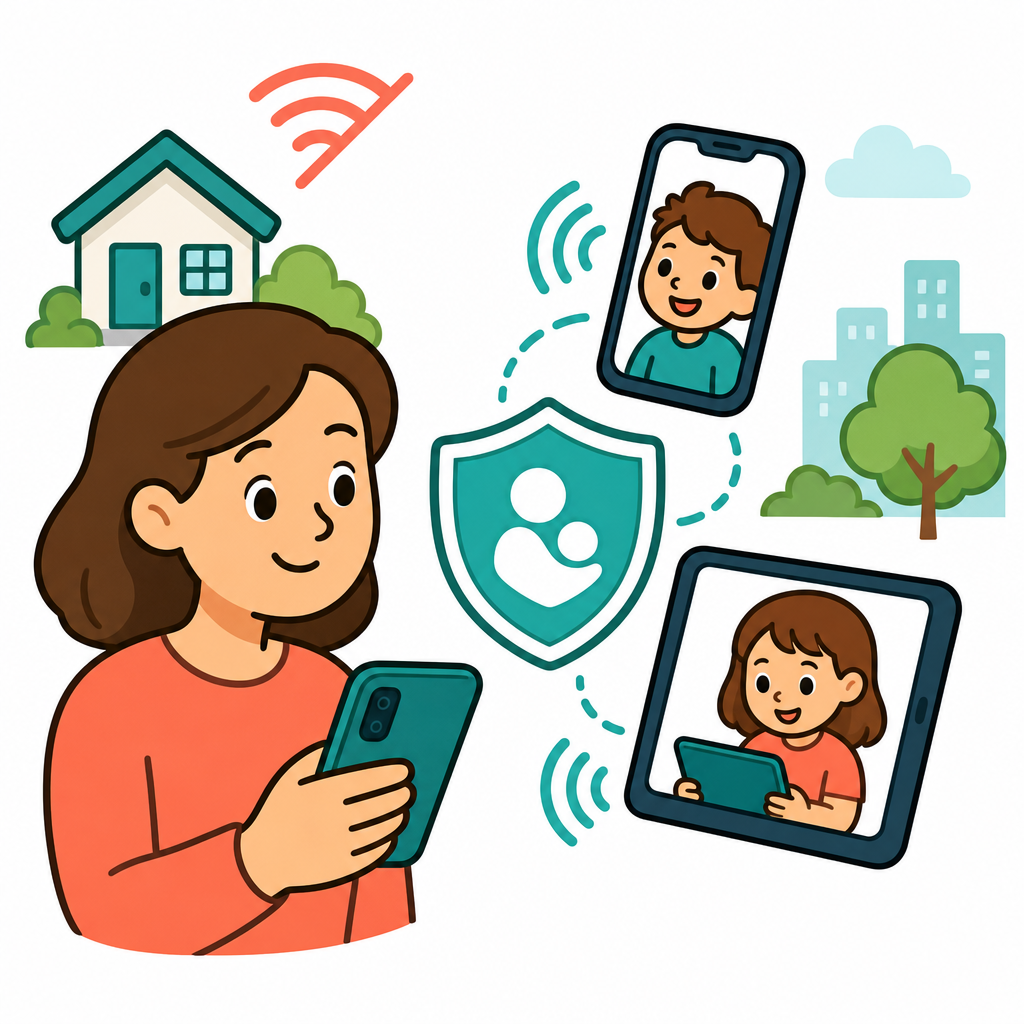 Phones & tablets — even on mobile data
Protection follows their smartphone or tablet when they leave home Wi‑Fi.
Phones & tablets — even on mobile data
Protection follows their smartphone or tablet when they leave home Wi‑Fi.
-
 One screen-time budget for the whole home
Time used up on the tablet doesn’t restart on the laptop.
One screen-time budget for the whole home
Time used up on the tablet doesn’t restart on the laptop.
-
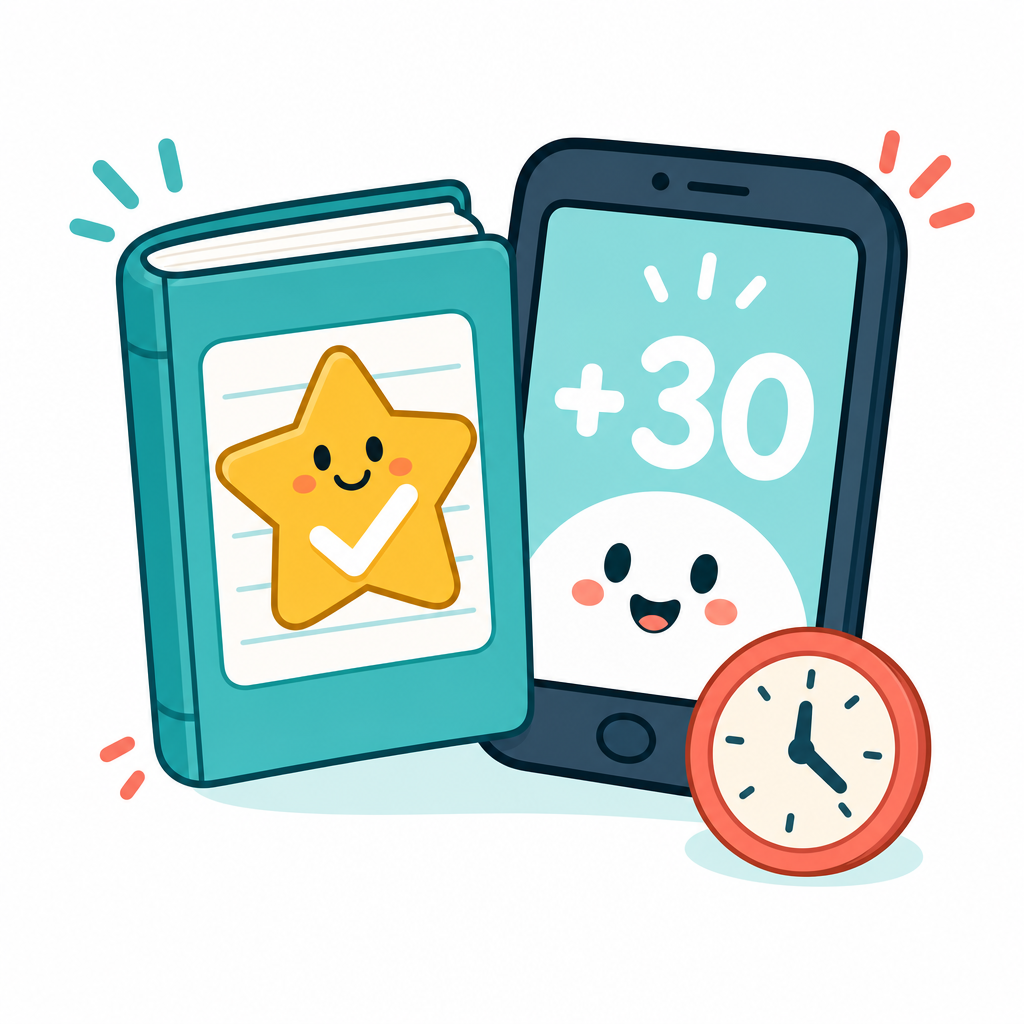 Reward time for good habits
Homework done? Add thirty minutes with one tap.
Reward time for good habits
Homework done? Add thirty minutes with one tap.
-
 See what they see
Sites visited and YouTube watched — so you’re not guessing after school.
See what they see
Sites visited and YouTube watched — so you’re not guessing after school.
-
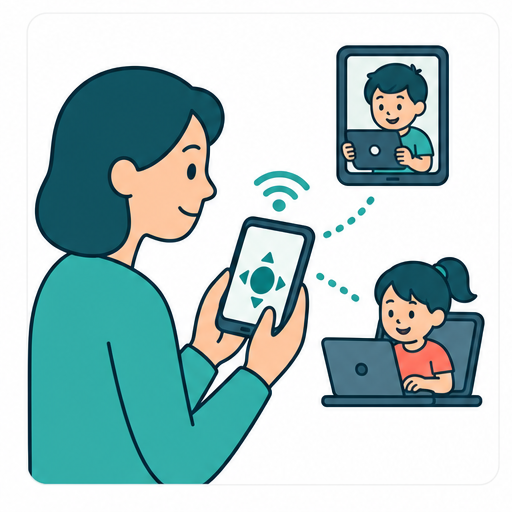 Pause the internet from your phone
Dinner. Bedtime. One tap across the devices you’re managing.
Pause the internet from your phone
Dinner. Bedtime. One tap across the devices you’re managing.
AI Safe Score
Titles lie. Safe Score looks inside the video.
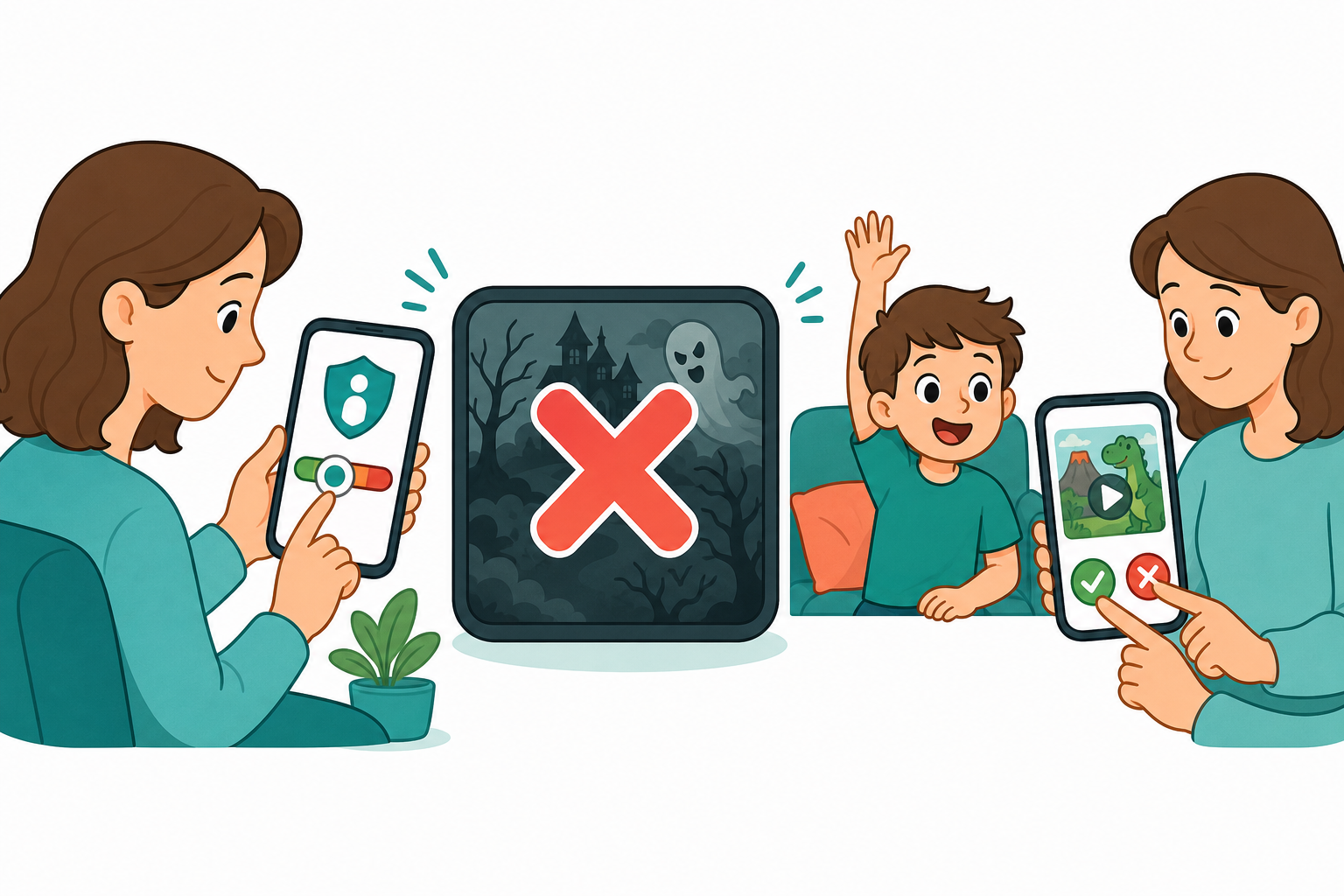
YouTube Kids still misses things. Safe Score checks what’s actually in the video — adult content, weapons, swearing and more — then scores it. You set how strict. Borderline? They ask. You watch first. You decide.
- 1 AI checks what’s really there Not just titles and thumbnails — what’s in the video.
- 2 You set the score Anything below your level stays blocked.
- 3 They ask. You decide. View the request on your phone — approve or reject.
About us
Melbourne parents who got tired of the mess.
We’re a Cheltenham IT and cyber security team who built Scree from our own frustration protecting our kids online. Local support — when you call, you get an Australian.
Head office: 3 Belrose Avenue, Cheltenham VIC 3192, Australia
+61 3 7044 9677 · info@screegateway.com.au
Early access
Join the list. We’ll tell you when you can get one.
One set of rules. Home and away. Local Australian support. No spam.
By submitting you agree to our Privacy Policy and Terms.
Or call +61 3 7044 9677 · info@screegateway.com.au
Quick answers
Questions parents actually ask
- What are the simplest parental controls for Australian families?
- Scree is built to be the easiest parental controls for busy parents: plug the gateway into your NBN, set bedtime and blocks once, and the same rules apply on home Wi‑Fi and kids’ phones — including mobile data.
- Can Scree block adult content?
- Yes. AI Safe Score helps parents block adult content and other risky material by looking inside videos — not just titles — then blocking anything below the score you set. You can also turn on category blocks.
- Does this help with Australia’s government social media ban?
- Australia’s mandatory social media ban still leaves gaps parents worry about. On devices you manage, Scree helps close many of those gaps. No tool can block every workaround on every network.
- Does it work when they’re on mobile data?
- Yes. Rules follow kids’ phones and tablets when they leave home Wi‑Fi.
- Do I need to install something on every device?
- At home, rules apply on the Wi‑Fi itself — kids connect like normal. Phones and tablets that leave the house get Scree’s companion protection so the same rules travel with them.
- Where does my family’s data live?
- Browsing activity stays on your Scree box at home. We have zero access to it. Only the rules you set sync to the cloud so you can manage from your phone. See our Privacy Policy.
- What is Safe Score?
- AI that looks inside videos — not just titles — and scores risk. You set the level; anything below stays blocked. Kids can request; you view, then approve or reject.
- Is this only for phones?
- No — home Wi‑Fi devices (PCs, Macs, tablets) plus kids’ smartphones and tablets on mobile data.